Dqot Solutions
AI App Development · Mobile and Web

AI App Development for iOS, Android and the Web

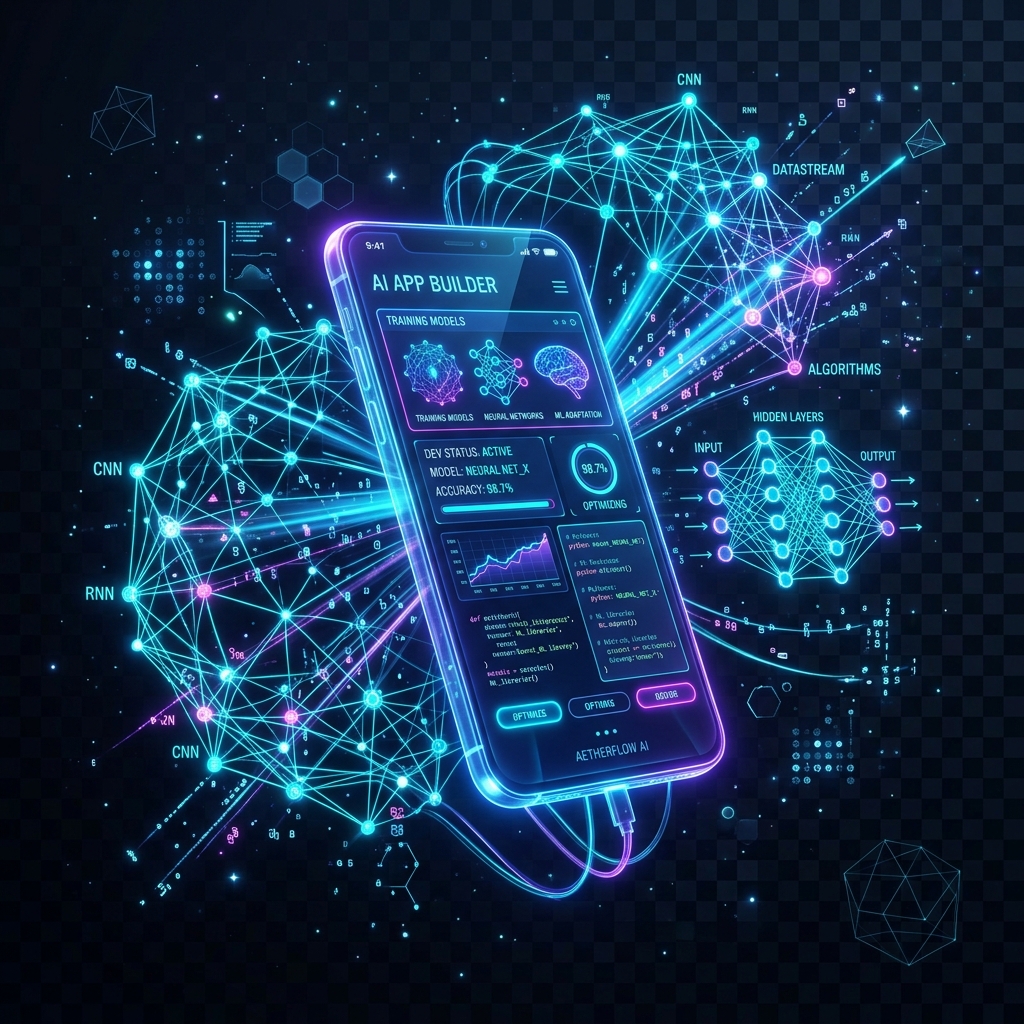
We build mobile and web apps with AI features such as personal recommendations, chat and voice assistants, and image recognition. Each feature is there to make the app easier for your customers to use.

8+
Years in Business
75+
Clients Served
50+
People on Our Team
AI App Development

AI App Development

by DQOT Solutions — Trusted by 75+ Global Clients

React NativeFlutterSwiftUIKotlinGPT-4oTensorFlow Lite
India
USA
UK
UAE
Trusted by 75+ businesses across India India USA USA UK UK UAE UAE Canada Canada Australia Australia Rated 4.9/5 on Clutch
What Is AI App Development?

Apps That Learn What Each User Needs

AI app development means planning an app's AI features from the first sketch instead of adding them later. The app can then learn how each person uses it, show the content that person is likely to want and take over the steps people find tedious.

We build these apps with React Native, Flutter, Swift and Kotlin, the same tools we use for our other mobile work. Our developers add AI where it helps your users, whether that is a recommendation, a spoken command or a photo the app can read.

What We Deliver

AI Features We Build Into Apps

Pick the features that suit your users, and we will plan, design and build them into your app.

🤖

Chat Assistants in Your App

We add a chat assistant so people can ask for what they want in plain language. They no longer have to hunt through menus to find a feature or an answer.

🎯

Personal Recommendations

The app learns from what each person views, buys or skips and puts the most relevant content and products in front of them. People find what they want sooner.

👁️

Image Recognition Features

Your app can recognize what the camera sees. We build document scanning, visual search, AR try-on and face login into mobile and web apps.

📊

Predictions Inside the App

We build models that forecast demand, score risk or spot a change in a user's habits. The result appears in the app as a clear prompt the user can act on.

🔈

Voice Commands & Dictation

We add speech recognition and text-to-speech, so users can speak a command, dictate a note or have text read aloud. Recordings can also be turned into written transcripts.

🔒

Smarter Account Security

The app can notice unusual behavior on an account and ask for an extra check only when something looks wrong. Regular users sign in without added steps.

Our Process

How We Build Your AI App

We work in six steps, from choosing the right AI features to launch on the app stores and the improvements that follow.

Start the Process →
1

Discovery & AI Feature Planning

We sit down with your product team and decide which AI features your users will actually value. For each one we agree how we will measure whether it works.

2

UX Design for AI Features

AI features need careful design. We plan how the app explains its suggestions and what it does when the AI gets something wrong, so people keep trusting it.

3

Choosing or Training the Model

Where a ready-made AI service does the job, we use it. Where you need more accuracy or privacy than those services offer, we train a model on your own data.

4

App Development

We build the app for iOS, Android or both, using Swift and Kotlin or React Native and Flutter. The AI features are built in alongside everything else.

5

On-Device or Cloud AI

Some features must respond instantly or keep data on the phone, so we run them on the device with Core ML or TensorFlow Lite. Heavier models run in the cloud.

6

App Store Launch & Improvement

We handle the App Store and Play Store submissions. After launch we look at how people really use the AI features and keep improving them.

Industries & Use Cases

Who Is AI App Development For?

Use Case 1

Health & Fitness Apps

Workout coaching that adapts to each user, nutrition estimates from a photo of a meal, and sleep or health tips based on data from a wearable.

Use Case 2

E-Commerce Mobile Apps

Shoppers can search with a photo, see products picked for them and try items on with AR. A chat assistant and a size guide help them choose.

Use Case 3

EdTech & Learning Apps

Lessons that adjust to each learner's pace, a chat tutor for questions, help with marking written work and feedback on pronunciation as the learner speaks.

Use Case 4

Finance & Banking Apps

Fraud alerts, a clear view of spending habits and budget forecasts. Users can scan receipts for expenses and ask a chat assistant about their account.

Use Case 5

Real Estate Apps

Buyers describe the home they want in their own words and the app finds matches. Agents get price estimates, virtual staging and leads sorted by how serious they are.

Use Case 6

Healthcare Apps

Symptom checkers, medicine reminders and patient intake forms that are quicker to complete. Telemedicine apps can also give doctors decision support during a consultation.

Technology Stack

Tools & Technologies We Use

✓ React Native✓ Flutter✓ Swift (SwiftUI)✓ Kotlin✓ TensorFlow Lite✓ CoreML✓ OpenAI API✓ Claude API✓ Google Vision API✓ Firebase ML✓ AWS Rekognition✓ Scikit-learn
Why DQOT Solutions

Why Businesses Choose Us for AI App Development

🏆

8+ Years in Business

We started in Jaipur in 2018 and have since worked with 75+ clients in 7 countries, across software and digital marketing.

⚡

Short Cycles, Early Feedback

We work in short cycles and share each stage with you, so you can ask for changes while they are still easy to make.

🔍

Updates You Can Follow

You get regular progress updates and can see the work as it takes shape, so you always know what we are doing and why.

🌍

Offices in India and Canada

Our head office is in Jaipur, with offices in New Delhi and Canada. We work with clients in 7 countries, including India, the USA, the UK and the UAE.

🤖

AI Tools Where They Help

We use AI tools in our own work where they help, and build AI features into your product when they are useful to your customers.

🤝

A Long-Term View

We take the time to understand how your business works, and we aim to keep working with you after the first project is delivered.

FAQs

Frequently Asked Questions

Answers to the questions we hear most often about AI app development. Can't find yours?

Ask Us Directly →
It depends on who your users are, which device features you need and your budget. A mobile app can use the camera, GPS and motion sensors, which helps with AI features such as AR and image recognition. A web app is quicker to launch and reaches more people. We often suggest building both with React Native or Flutter, so one codebase covers them.
Yes. We run the model on the device itself, using TensorFlow Lite on Android and Core ML on iOS. Features such as image classification, text processing and predictions then work without an internet connection, and the app syncs with the cloud models when it is back online.
Cloud-based AI features are updated on the server, so no app store submission is needed. For models that run on the device, we use a remote model delivery service such as Firebase ML, which sends the updated model to phones quietly in the background.
An MVP AI mobile app typically costs $30,000–$80,000. A feature-rich app with complex ML models, custom training and more than one platform typically ranges from $80,000–$250,000. We give you a detailed estimate after discovery.
We plan for privacy from the start. Sensitive data is processed on the device where possible, and we collect only what a feature needs. Users get clear controls over their data, and we build to GDPR, CCPA and App Store privacy requirements.
A focused MVP with 2–3 AI features typically takes 16–24 weeks. A larger app with several ML models and complex features takes 30–52 weeks. We work in agile sprints with a release every two weeks, so you see working software throughout.

Ready to Start Your AI App?

Tell us about the app you have in mind and who will use it. We reply within one working day, and both the consultation and the quote are free.

Start Your Project Ask Us on WhatsApp